
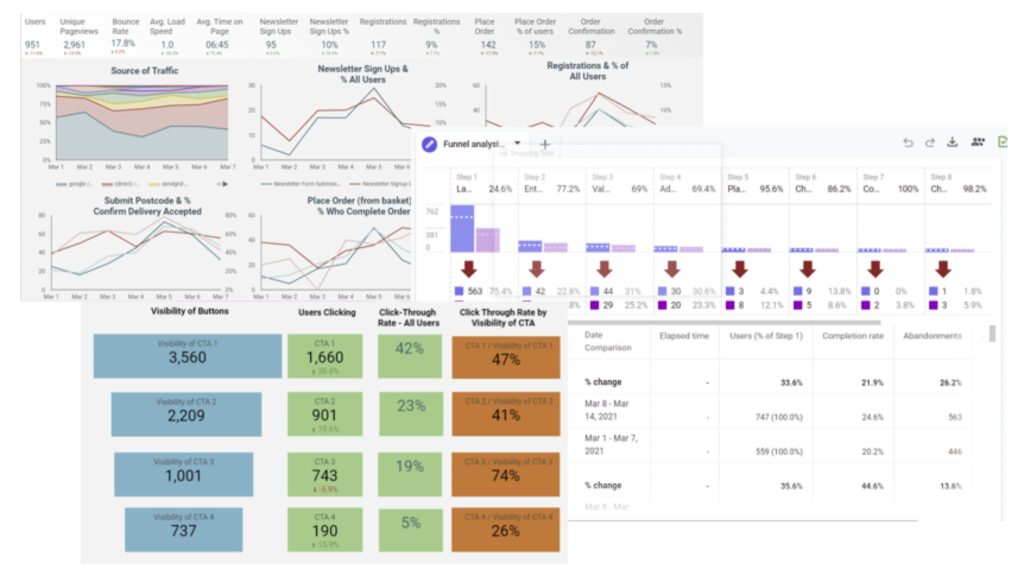
Here are the most common data quality issues with GA4 and how you can fix them:
1. Self-Referrals
This issue is common with payment gateways and e-commerce setups. Correct it by adding the problematic URLs to the “List unwanted referrals” settings in the GA4 console.
2. Spam Traffic
Spam can inflate traffic figures with minimal user engagement. Keep an eye out for spikes in traffic that show low engagement levels or missing parameters, indicating potential spam.
3. Internal Traffic
Internal traffic can skew analytics if not filtered, especially in larger organizations. Exclude this traffic to gain a clearer view of genuine user interactions.
4. Inconsistent or Missing UTM Parameters
Check for inconsistencies or missing UTM parameters that can lead to source misattribution. Ensure all marketing campaigns use correct UTM tagging.
5. Cross-Domain and Subdomain Tracking Issues
Inconsistencies in Google Tag Manager (GTM) implementation across subdomains or unnecessary multiple GTM containers can create tracking issues. Standardize GTM usage to avoid these problems.
6. Sampling Issues
Excessive event tracking can lead to data sampling, affecting report accuracy. Limit tracking to essential events to reduce sampling risks.
7. Missing or Broken Tracking Code
Tracking code errors, often from IT updates, can disrupt data collection. Regularly verify your tracking setup to ensure continuous data accuracy.
8. Duplicate Events
Duplicate data layer events, poor event tracking setups, or not disabling Enhanced Measurement events can cause duplicated data. Review and refine your event tracking configurations.
9. Channel Attribution Errors
Traffic sources showing as unassigned or (not set) are likely due to the absence of custom channel groupings or non-use of UTM parameters. Define custom channel groups for clearer traffic source attribution.
Finally, addressing these common issues in GA4 can significantly improve your data’s accuracy and usefulness. Stay proactive in your analytics practices to leverage the most reliable insights from GA4. Let’s share our experiences and tips on LinkedIn to enhance our collective understanding of managing GA4 data quality!
💡 Special Offer:
Use this to enrol on our CXL GA4 Audit Course
Get a10% discount by entering the coupon code: 10INSTRUCTOR in the checkout by reloading the checkout page with the coupon slug: ?coupons=yes to enable the coupons field.
#GoogleAnalytics4, #GoogleTagManager #ConversionUplift #GA4Audit


